Before you start
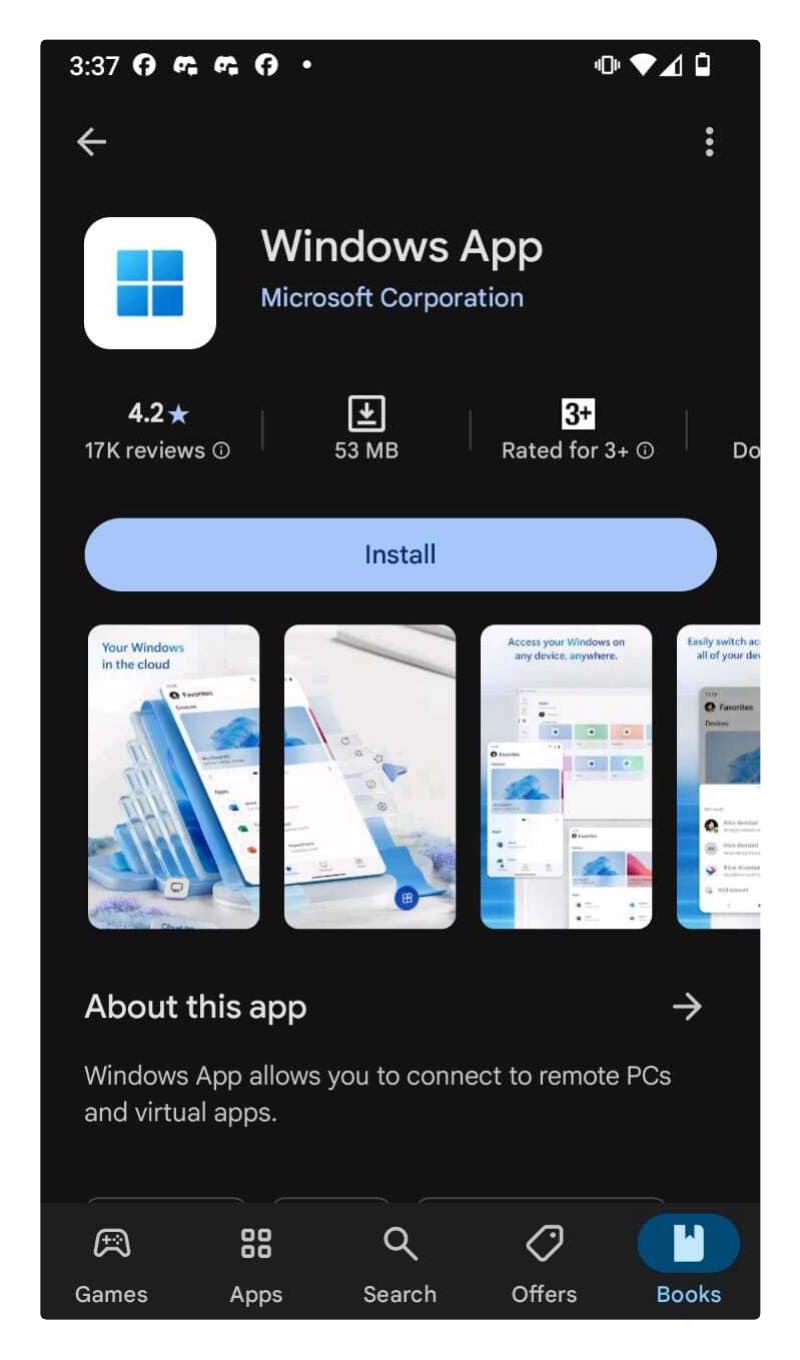
For ANDROID devices, download this App from the Play Store:
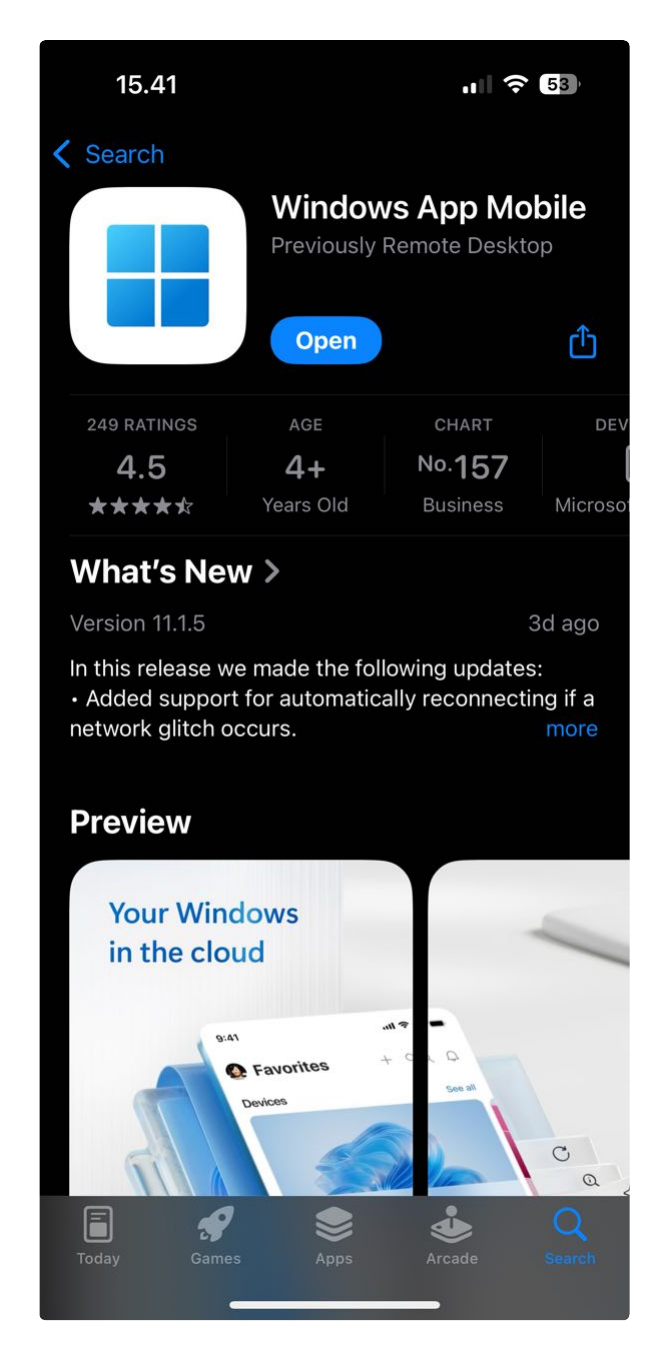
For APPLE devices (iOS and MacOS), download this App from the Apple AppStore:
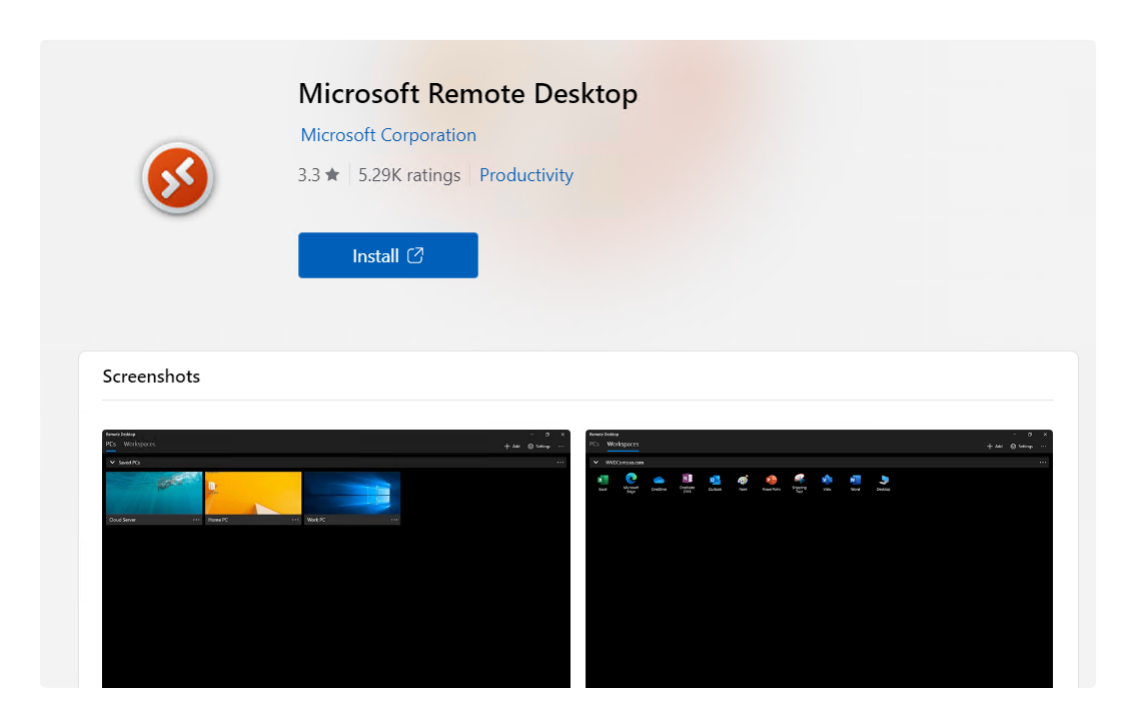
For WINDOWS computers, download this App from the Windows Store:
https://apps.microsoft.com/detail/microsoft-remote-desktop/9WZDNCRFJ3PS?hl=en-us&gl=US
Configuration steps
The steps below are the same for WINDOWS, ANDROID and APPLE Devices (iOS or MacOS):
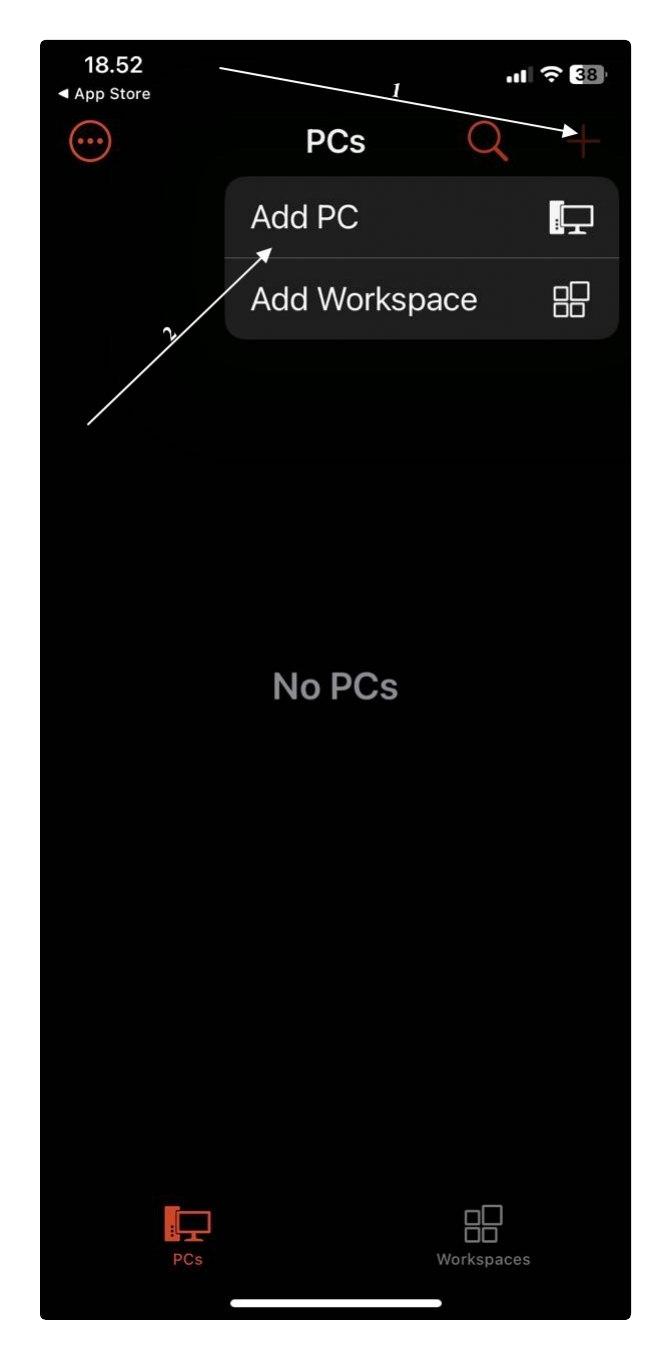
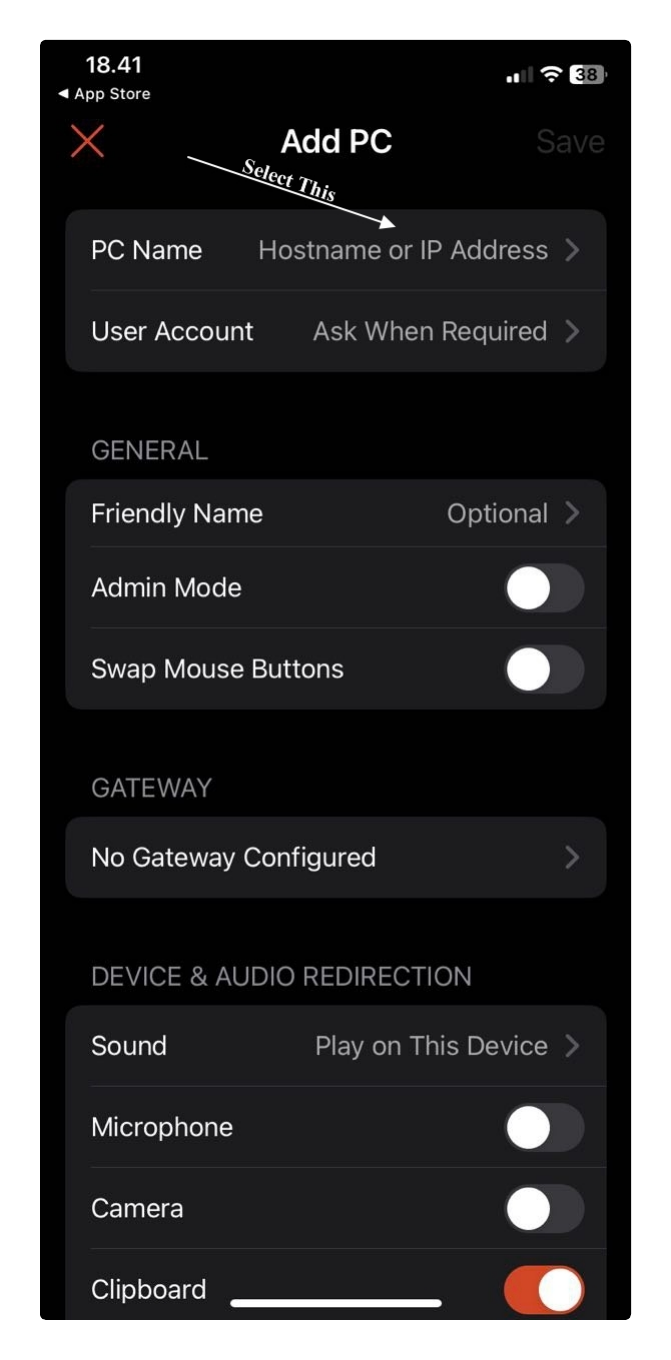
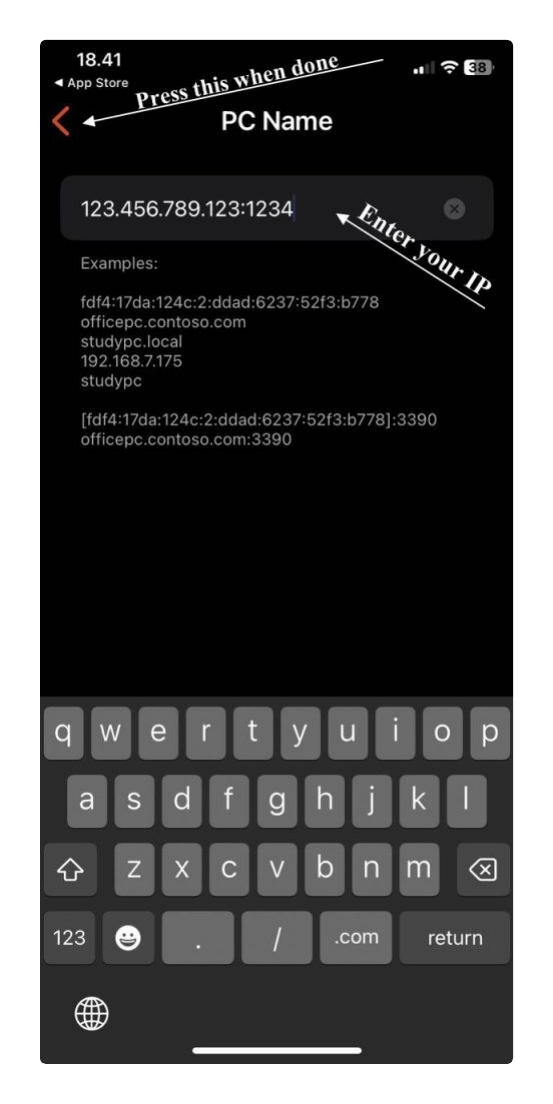
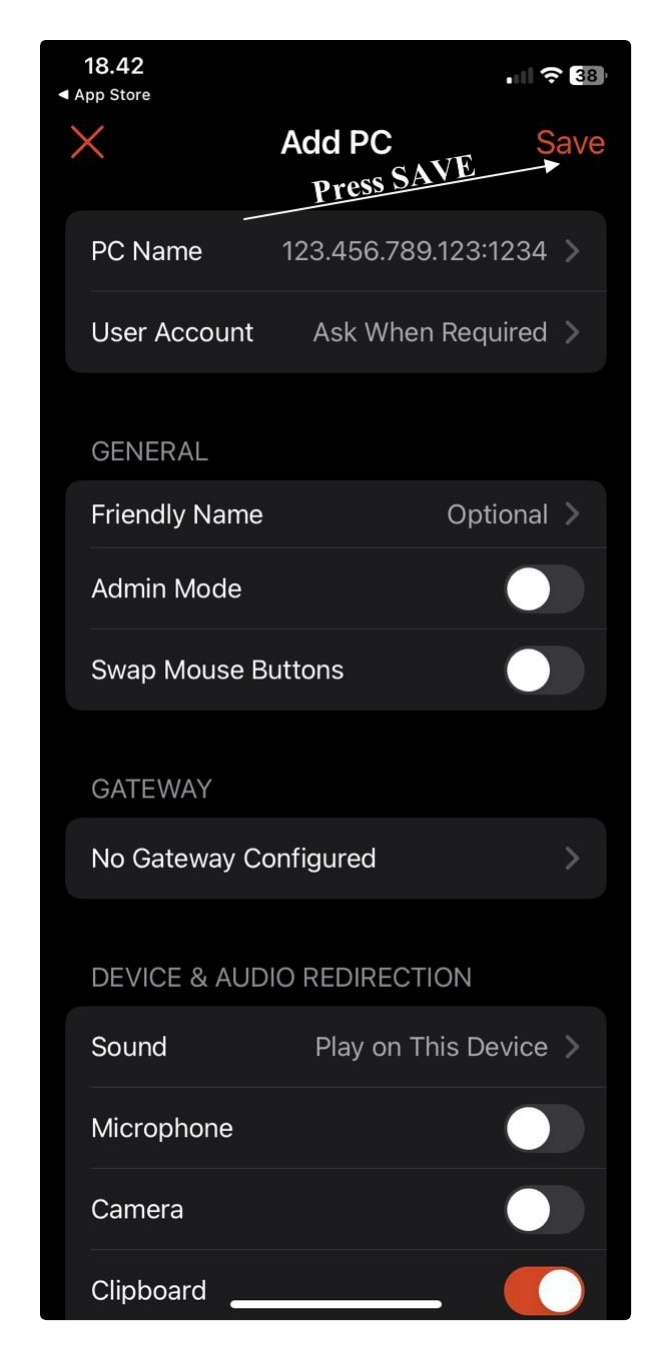
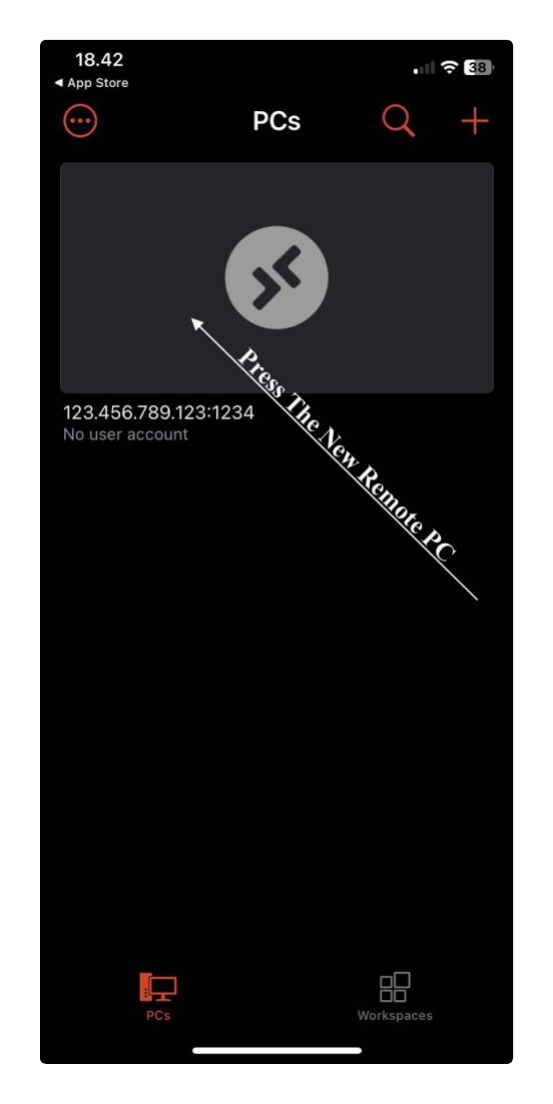
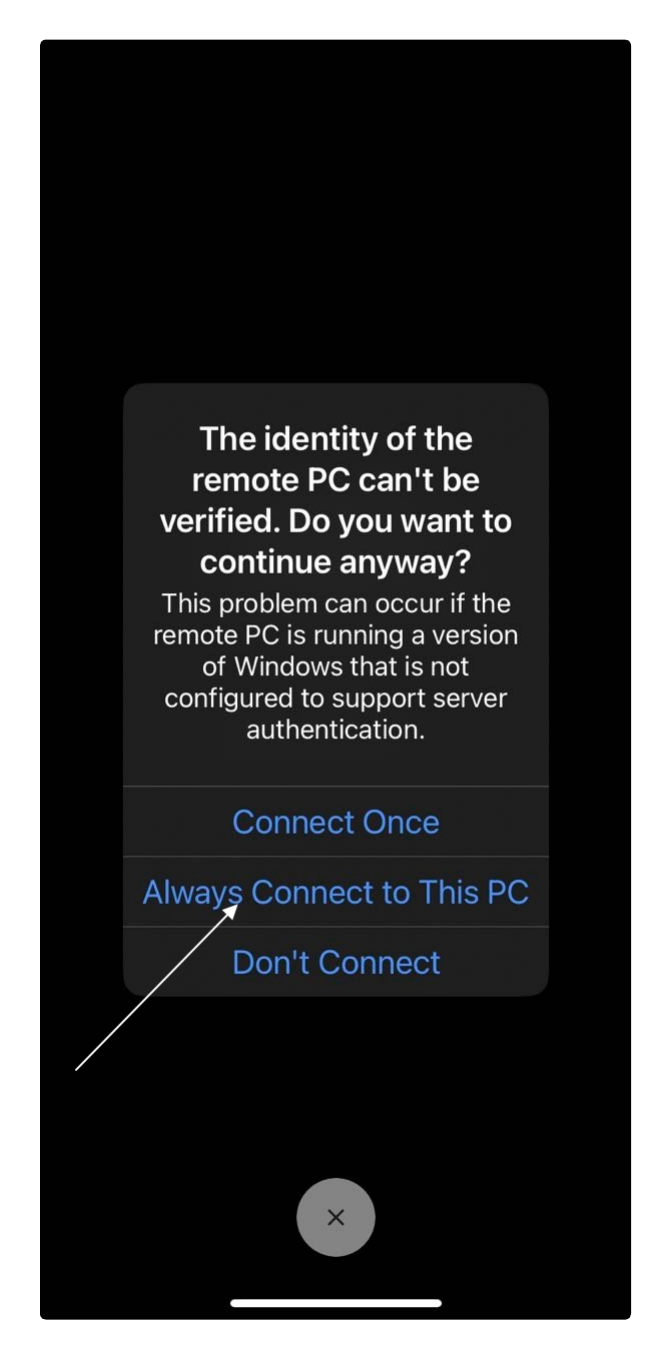
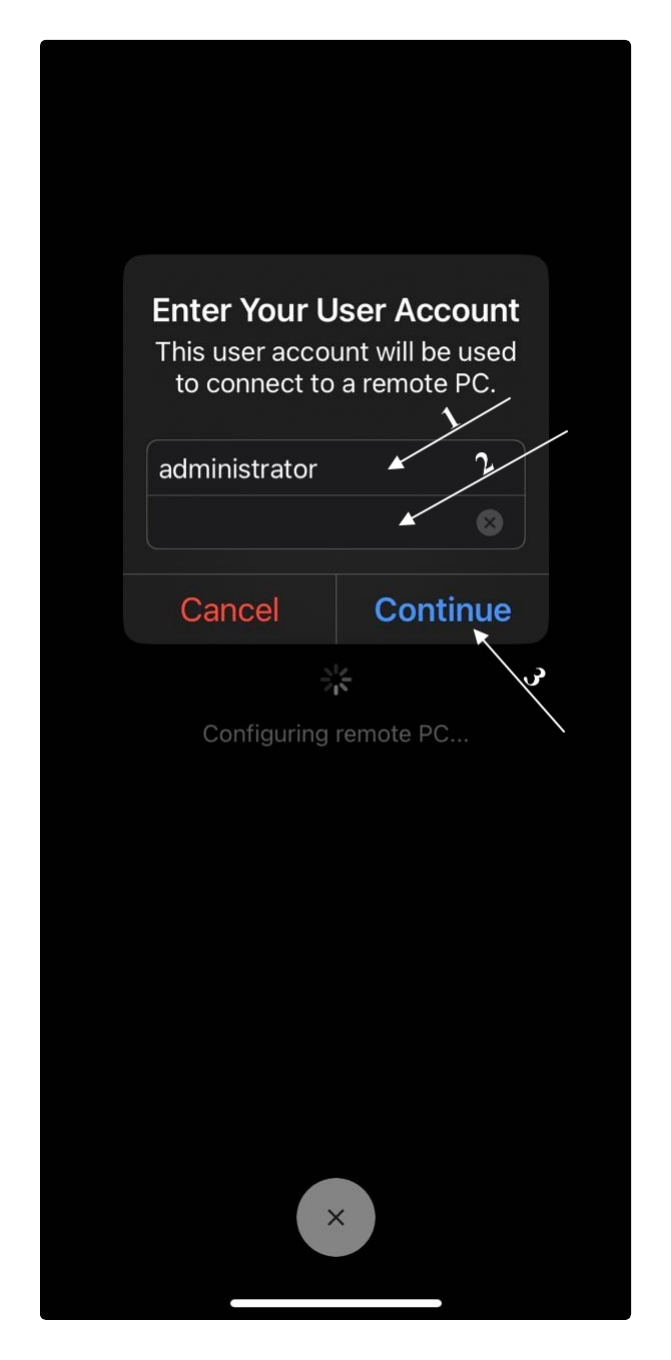
Step 7
WARNING!!!!!!!!!!
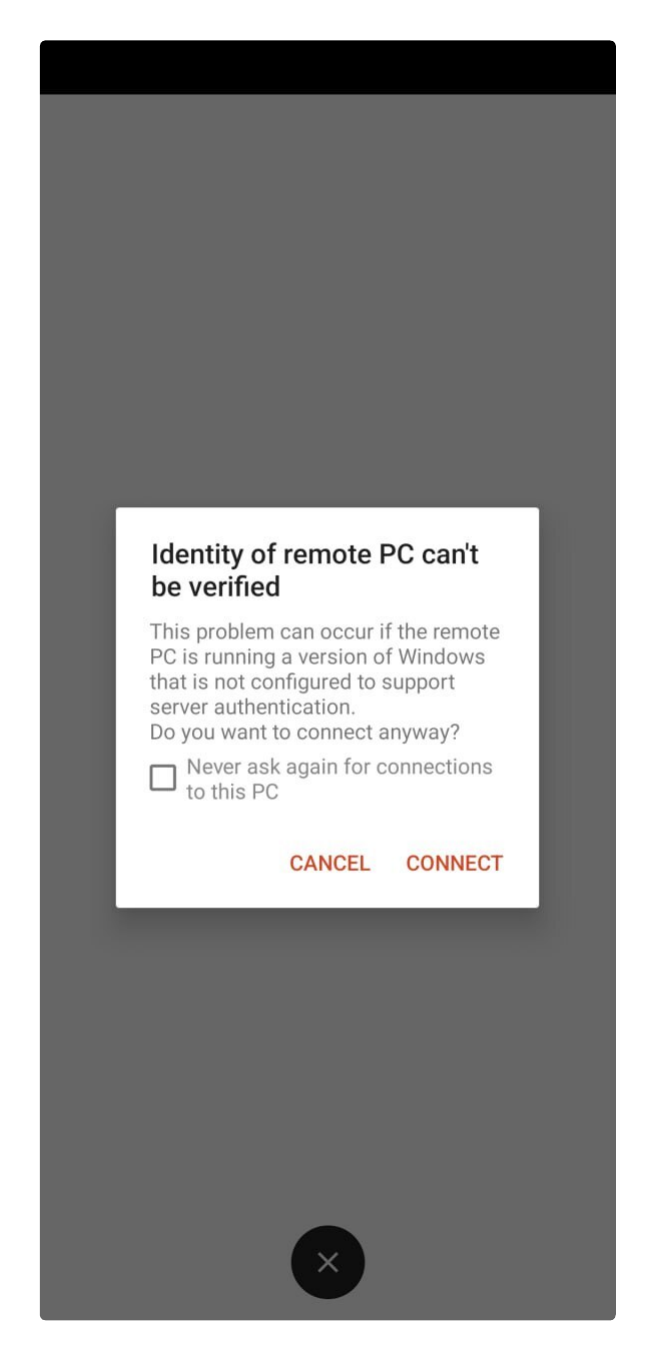
If the message below appears, please tap Connect directly. DO NOT CHECK THE CHECKBOX.
If you check the checkbox, you won't be able to connect again and will need to reinstall the App.