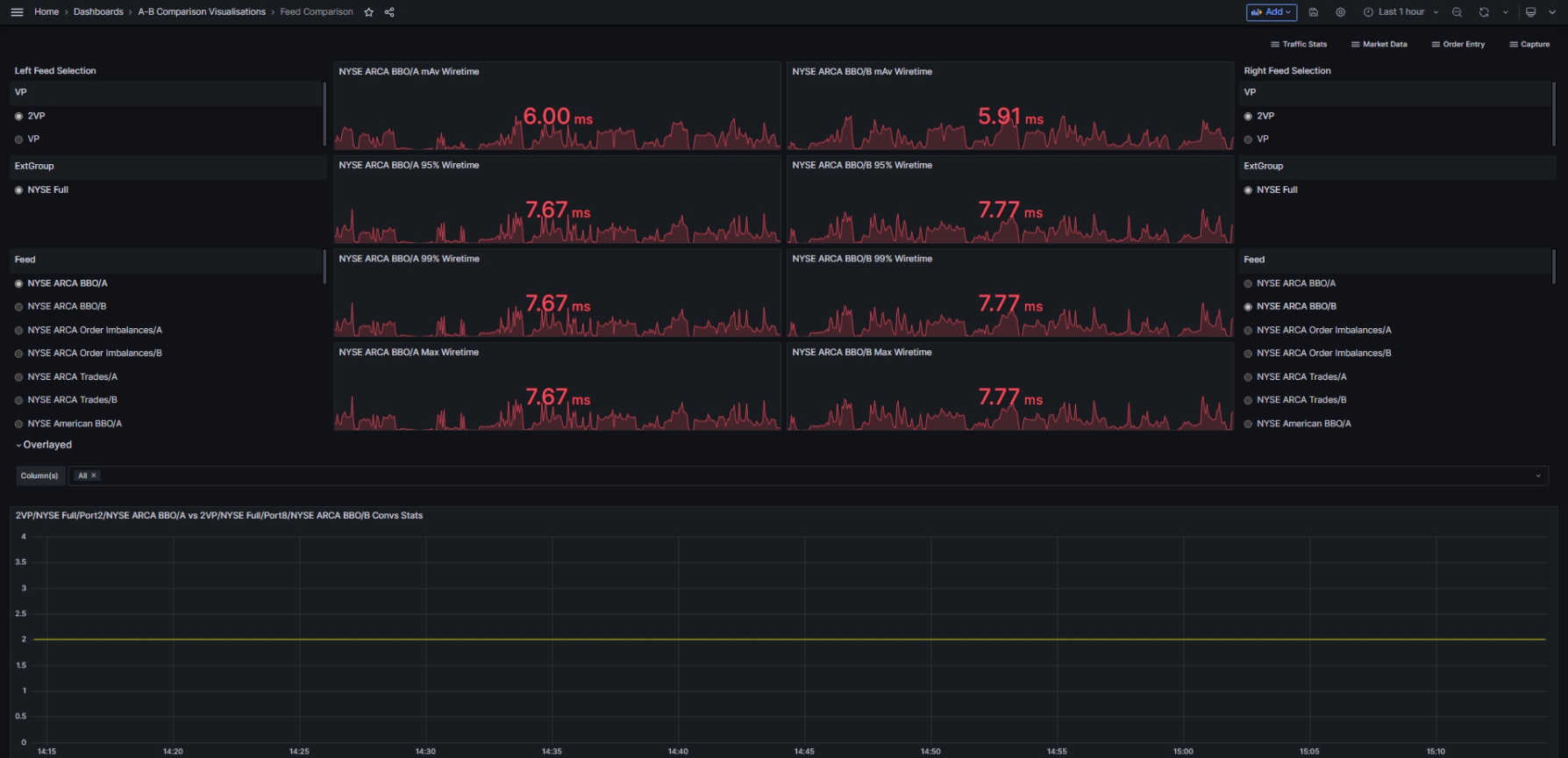
The Feed Comparison dashboard provides a general Feed comparison. It consists of a set of Summary Wiretime comparison graphs at the top, with detailed graphs underneath showing the selected feeds overlaid on each other. You can choose which Feeds to compare using the Left Feed and Right Feed selection options.

Usage instructions
Select the time period from the Time Picker at the top of the dashboard.
The two feeds are displayed on the left and right sides of the dashboard.
For each feed, select:
Visibility Point (VP)
External Group (ExtGroup)
Feed
Panel overview
The following panels are shown for both feeds:
Moving Average (MAv) wiretime
95% wiretime
99% wiretime
Max wiretime
The following panels show line graphs with both feeds overlaid:
Convs Stats.
Moving Average (MAv) Packets per second Stats
1ms Burst Packet Rate Stats
10ms Burst Packet Rate Stats
100ms Burst Packet Rate Stats
1s Burst Packet Rate Stats
Bandwidth Stats
1ms Burst Bandwidth Stats
10ms Burst Bandwidth Stats
100ms Burst Bandwidth Stats
1s Burst Bandwidth Stats
Moving Average (MAv) Messages per second Stats
Moving Average (MAv) Gaps per second Stats
Moving Average (MAv) OOS per second Stats
Moving Average (MAv) Wiretime Stats
50% Wiretime Stats
95% Wiretime Stats
99% Wiretime Stats
mMin Wiretime Stats
mMax Wiretime Stats
Moving Average (MAv) Packets per second - 5 Day Moving Average Stats
Moving Average (MAv) Packets per second - 30 Day Moving Average Stats
Moving Average (MAv) Gaps per second - 5 Day Moving Average Stats
Moving Average (MAv) Gaps per second - 30 Day Moving Average Stats
Moving Average (MAv) Messages per second - 5 Day Moving Average Stats
Moving Average (MAv) Messages per second - 30 Day Moving Average Stats
Moving Average (MAv) Wiretime - 5 Day Moving Average Stats
Moving Average (MAv) Wiretime - 30 Day Moving Average Stats
Moving Average (MAv) Convs - 5 Day Moving Average Stats
Moving Average (MAv) Convs - 30 Day Moving Average Stats
The following panels are in the Side-by-Side section:
Convs stats
Moving Average (MAv) packets/s Stats
1ms Burst Packet Rate Stats
10ms Burst Packet Rate Stats
100ms Burst Packet Rate Stats
1s Burst Packet Rate Stats
Bandwidth (Kbit) Stats
1ms Burst Bandwidth Stats
10ms Burst Bandwidth Stats
100ms Burst Bandwidth Stats
1s Burst Bandwidth Stats
Moving Average (MAv) messages/s Stats
Moving Average (MAv) gaps/s Stats
Moving Average (MAv) Out-Of-Sequence (OOS)/s Stats
Moving Average (MAv) Wiretime Stats
Moving Average (MAv) 95% Wiretime Stats
Moving Average (MAv) 99% Wiretime Stats
mMin Wiretime Stats
mMax Wiretime Stats
Moving Average (MAv) Packet/s - 5 Day Moving Average Stats
Moving Average (MAv) Packet/s - 30 Day Moving Average Stats
Moving Average (MAv) Gaps/s - 5 Day Moving Average Stats
Moving Average (MAv) Gaps/s - 30 Day Moving Average Stats
Moving Average (MAv) Messages/s - 5 Day Moving Average Stats
Moving Average (MAv) Messages/s - 30 Day Moving Average Stats
Moving Average (MAv) Wiretime - 5 Day Moving Average Stats
Moving Average (MAv) Wiretime - 30 Day Moving Average Stats
Moving Average (MAv) Convs - 5 Day Moving Average Stats
Moving Average (MAv) Convs - 30 Day Moving Average Stats
Use case: Compare feeds of inbound Market Data
A specific market data feed is showing a high number of Gaps. To identify the extent of this behaviour and isolate a cause, you’d like to compare the feed with another feed, and then inspect the data at the Visibility Point in the selected time period.
In Beeks Analytics for Markets, the Feed Comparison dashboard enables you to compare Market Data feeds to identify anomalies. The most common use of this dashboard is to provide views of A vs. B feeds for comparison.
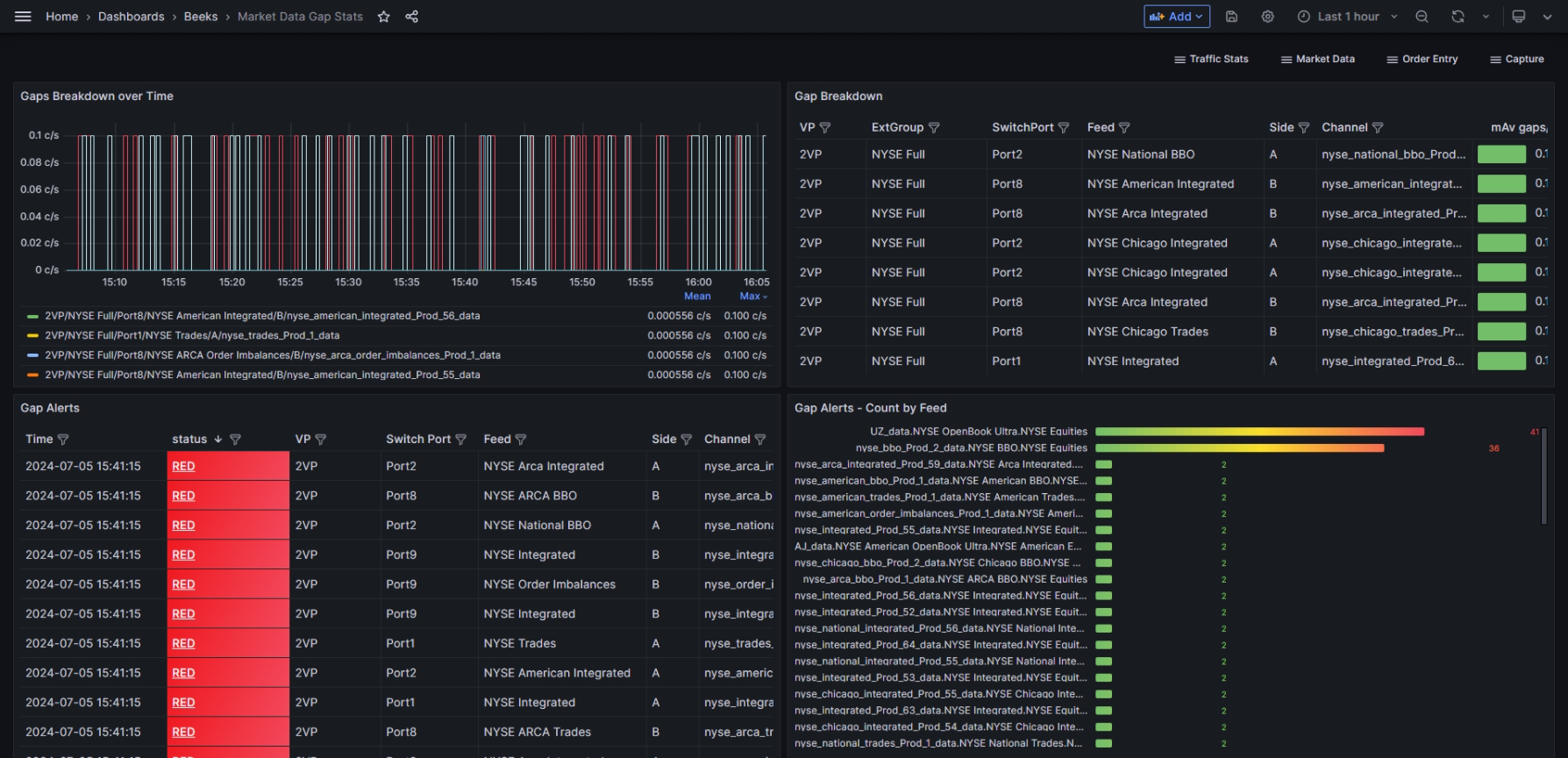
The Market Data Gap Stats dashboard is another standard dashboard that enables you to inspect data about the gaps.
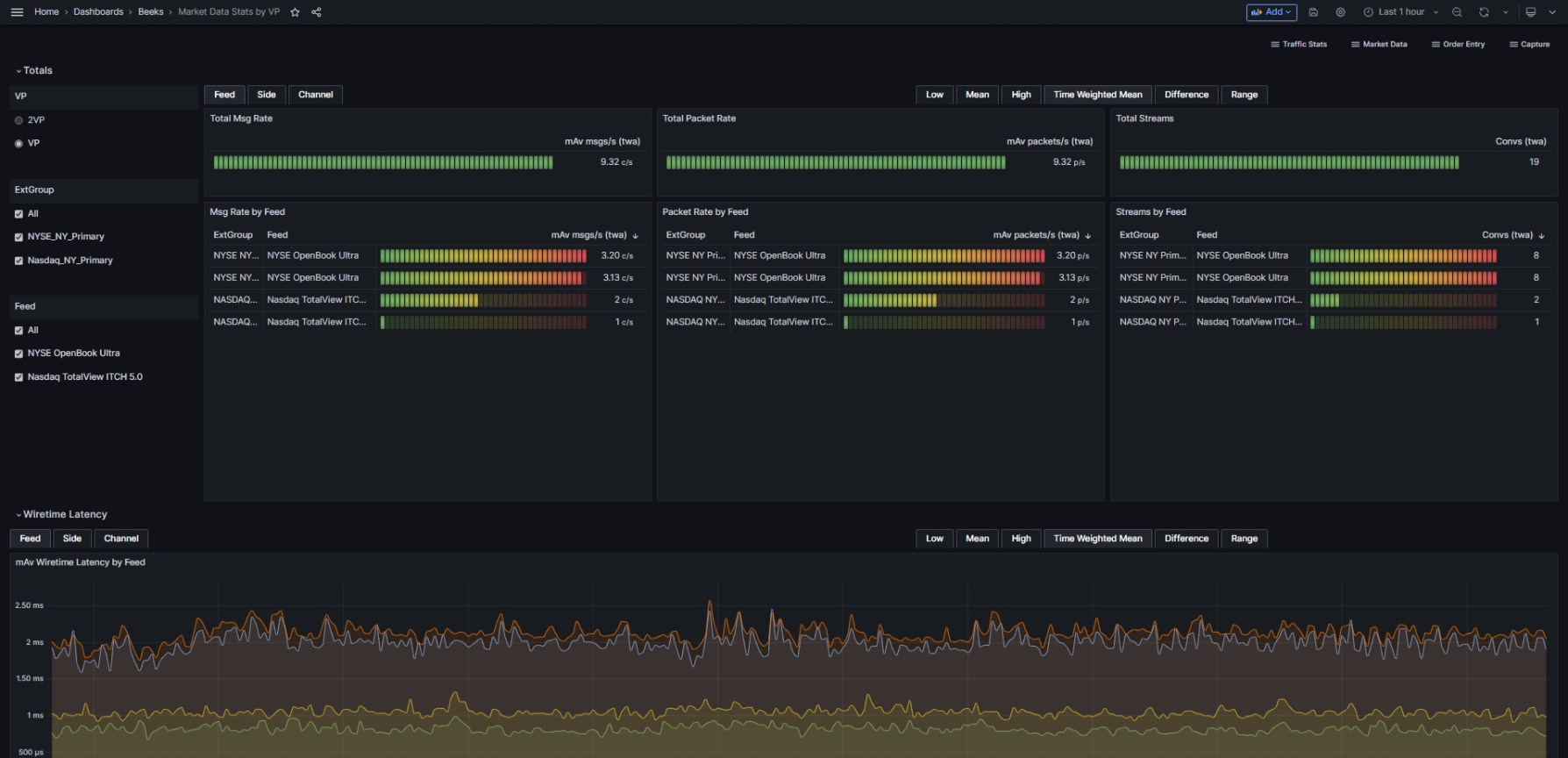
We’d also suggest checking the standard Market Data Stats by VP dashboard, which will enable you to identify where the gaps begin.