The Beeks Analytics App in VMX-Explorer offers further Beeks features.
To access the app, select More apps from the navigation menu in VMX-Explorer > Beeks Analytics.
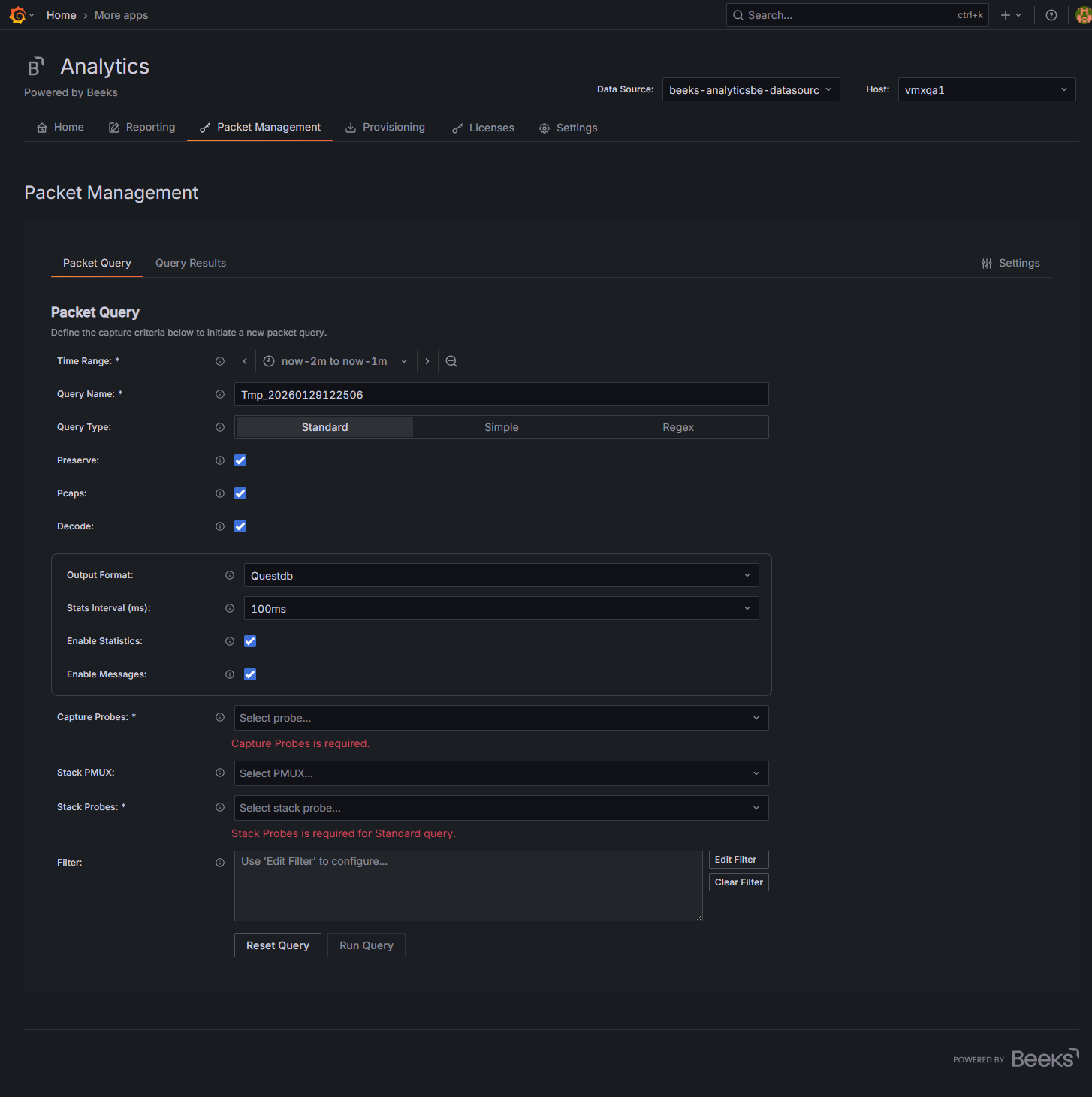
The app features each have a dedicated tab, which are:
Reporting
This tab is available only if your license includes reporting, which is the ability to generate and download reports from the dashboards (.csv or .pdf).
This tab offers the following:
Create Report
Generate an ad-hoc report, or create a Report Definition, with or without a schedule. You can create more than one report at a time; a processing icon indicates that a report is currently being created.View Reports
Find and view generated reports, both Grafana and non-Grafana reports. The view can be filtered for a time range (default : last hour) and specific Report Definition.Report Definitions
Provides a shortcut to manage and make changes to Grafana Report Definitions.Report logo
Change the default logo used on reports.
If you are connected to a remote server, only the View Reports functionality is available.
Packet Management
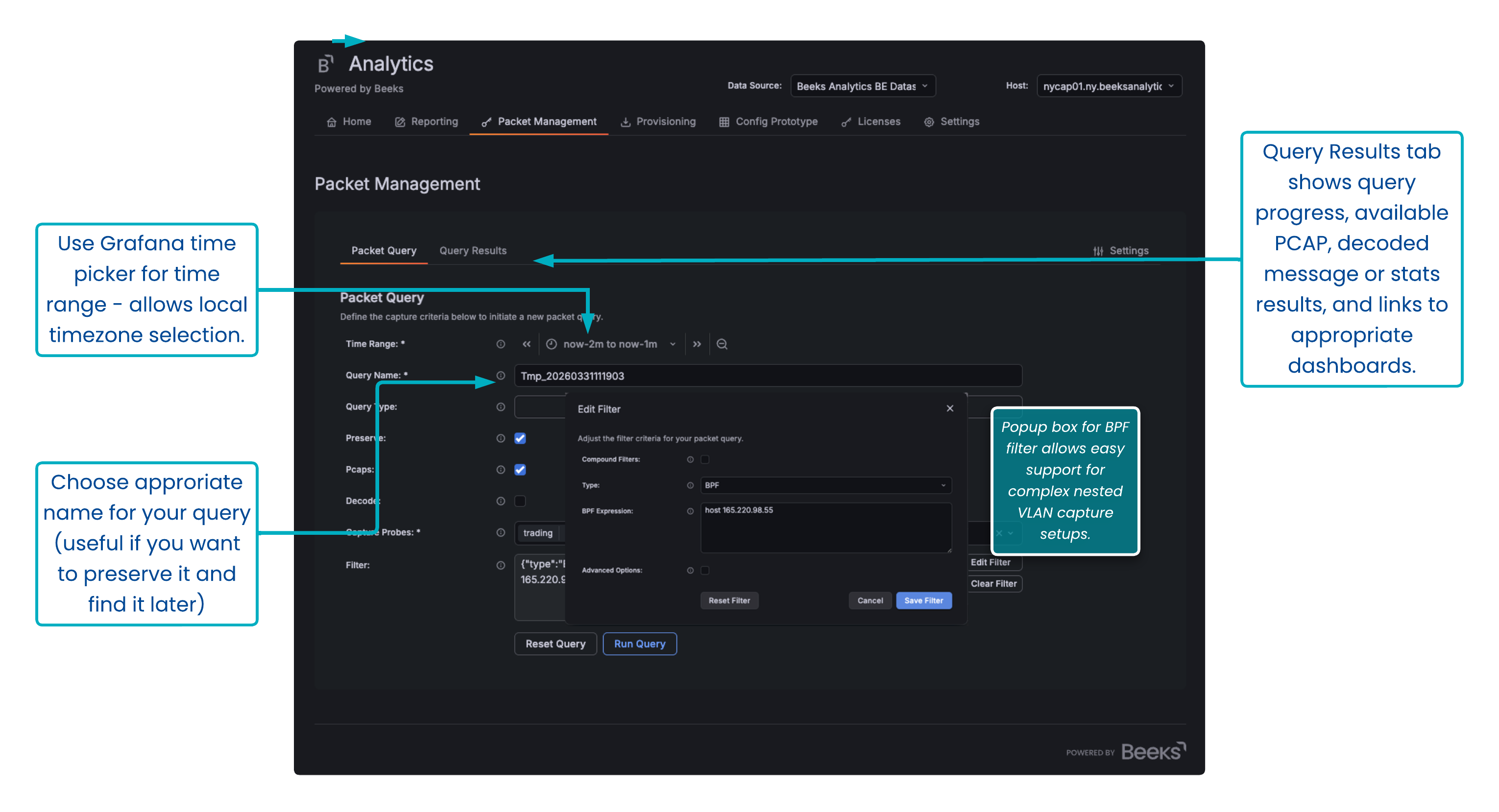
The Packet Management tab replaces the previous Packet Capture tab to centralise packet capture querying and investigation in a single Grafana UI. You can now use this app for all of your packet capture management. In future versions, this app will replace the equivalent Packet Capture dashboards.
This tab provides one workflow for packet management: Build query → Run → Review → Inspect → Download. It offers field validation, optional advanced filter generation for probe/stack-aware filtering, and delivers fast iteration using clone/re-run actions.
Packet Query
Define your packet capture criteria (time range, probes, stack probes, filters), run queries in multiple modes (Standard, Simple, Regex), and control capture outputs (preserve PCAP/PCAPNS, decode outputs, stats/messages).Query Results
Review query runs in an interactive table.
In the Actions column, select View to open the Query Details, where you can inspect a run and download artefacts (PCAP/JSON).Select Settings in the top right to configure capture and download behaviour.
Provisioning
Import provisioned dashboards. Instructions are here.
Licenses
View and update your Beeks Analytics licence.
Settings
Change specific settings for the VMX system.
Config
This is a tab currently visible to privileged users only, which allows you to configure Beeks Analytics for Markets in the UI rather than on the CLI. We expect to make this tab available by default in a future version of BAM.